
Turn a web page into a video
Paste a link to a public page. The page is read, a script is written from it, and you review the script before the video is made.
How it works
Paste a link
Use any public web page, such as a blog post, a news article or a product page.
Review the script
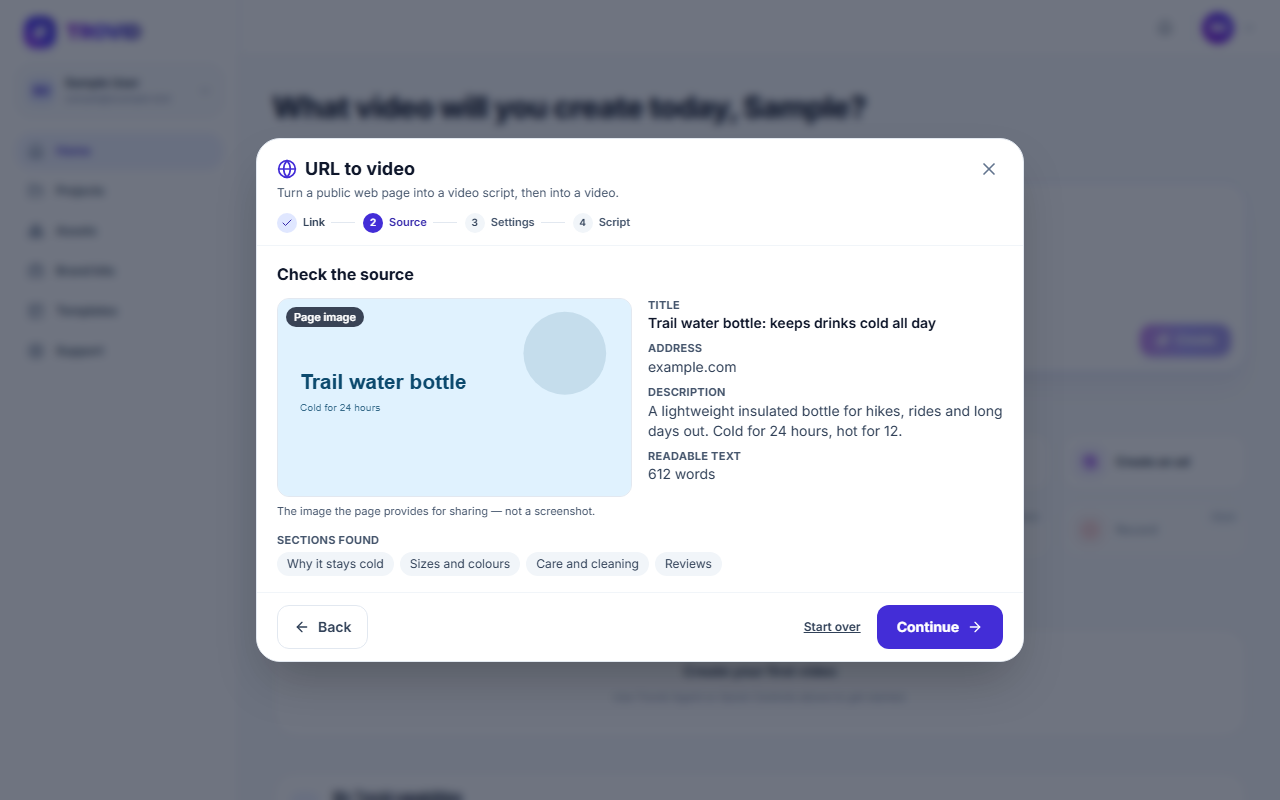
The page's content is read and a script is written from it. Edit it until it says what you want.
Generate and edit
The script becomes narrated scenes with visuals and captions, and opens in the Studio.
What you get
Start from what you already wrote
Reuse a page you have published without rewriting it as a script.
You approve the script first
Nothing is generated until you are happy with the words.
Reading the page is free
Scanning a page and writing the script use no credits. Credits are used only when you make the video.
A normal project at the end
The result is an ordinary project you can edit like any other.
Questions and answers
Public pages whose text can be read without signing in. Pages behind a login or a paywall, and pages that load their text only with JavaScript, usually cannot be read.
No. A script is written from the page's content, and you can edit it before the video is made.
No. The link must be a web page. For slides or a PDF, use PPT to video.
Reading the page and writing the script are free. Making the video uses credits, and nothing starts if your balance is too low.
Turn a page into a video
Paste a link and review the script.